Choosing knowledge software
Choosing a knowledge base program for your business
Compare knowledge base software through content structure, existing tools and a migration round trip. Choose what to keep, extend or move.
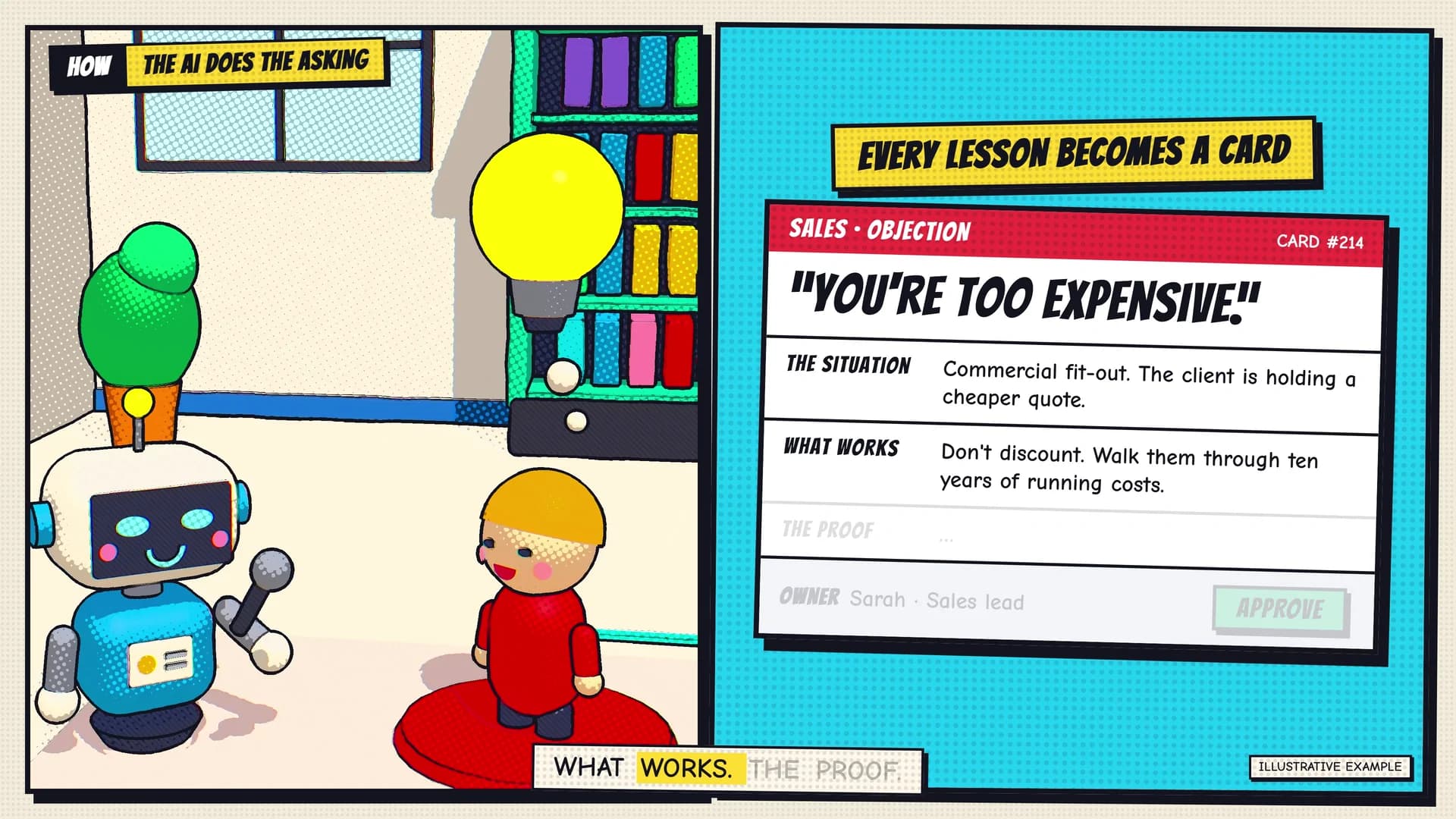
Choose a knowledge base program by following your information through it. Bring a sample in, use it for a real task, then take it out again. Check what survives each step and what someone must repair.
For an Australian business, the useful comparison is between arrangements your team can maintain. A new product may help, but so may a better setup in a tool you already use.
This guide compares documented behaviour in Notion, Confluence, Document360 and Airtable. This comparison does not rank products or report hands-on tests. Use the examples and records below to plan your own evaluation.
Decide whether you need a page, a record or both
Imagine a service team with a troubleshooting guide, an equipment register and a list of approved parts. These are example materials, not customer records.
The guide explains how to diagnose a problem. The register identifies each unit and its model. The parts list links models to compatible items.
Putting everything into a long page could make individual facts hard to retrieve. Splitting every sentence into a field could make the procedure hard to read.
Describe the task before the software:
- Explain: “Show me the approved steps for this fault.” This needs readable guidance.
- Look up: “Which model does this site use?” This needs an identifiable record.
- Connect: “Which approved part belongs to that model?” This needs a reliable relationship.
Products can support more than one of these needs. The question is how your material will fit, not which category sounds most advanced.
For source owners, version rules and access tests, use our company knowledge system guide. Here, the next decision is which software arrangement can carry that material without creating avoidable maintenance work.
Include the tools your team already uses
List where each item lives today and where staff need it. A guide in one place and a job record in another may need a link, rather than a second copy of the guide.
When comparing knowledge management tools, ask the person doing the task to show the current route. Note each search, copied value and return to another screen. Then check which steps the proposed setup would remove or add.
State the connection you need. For example, ask to open the relevant procedure from a job record. Name the application, the link or field required, and the role that must use it.
Do not assume a link grants access or keeps copied information current. Check both separately. Keep the current arrangement as a candidate until another option demonstrates a useful difference.
Name a single source of truth for each sample item. Record whether the candidate opens that source or holds a separate copy. Change the sample at its source, then check the place where staff use it. Does the change appear, need a manual refresh or require another edit? These are test questions, not claims about the products above.
If a proposal promises updates in real time, ask what triggers them and how a failed update becomes visible. Agree an acceptable delay for the task. Compare knowledge management systems on that requirement, rather than treating every connection as an automatic, two-way update.
Compare four documented software behaviours
The following details come from official documentation checked on 19 October 2026. Confirm the relevant settings and available features for your account before committing.
Notion: distinguish importing rows from updating them
Notion can hold pages and structured databases. Its CSV import documentation says rows become pages and columns become properties.
A new CSV import does not create new formulas, rollups or relations. When importing into an existing database, you can map a column to an existing relation property. CSV imports and merges add rows rather than update existing ones.
For the example equipment register, check how the model relationship will work after import. If you import a revised file later, check for duplicate records instead of assuming it updates the original entries.
Notion's export guidance also says reuploading an exported workspace does not instantly recreate it. Export scope depends on access and settings. Ask what you need to rebuild, and inspect the approved export scope before treating the package as a recovery option.
Confluence: test the existing Jira route and the intended exit
If your team uses Jira, Confluence offers a specific connection to investigate. Atlassian documents displaying Jira work items in Confluence and creating work items from its content. Available functions depend on the Jira application and setup. Check the Confluence and Jira guidance against your actual task and access roles.
For exit planning, choose a destination before choosing a file. Atlassian describes CSV space export for another Confluence Cloud instance and XML for Data Center. PDF exports exclude comments; HTML exports currently exclude page comments. These distinctions come from its export documentation, not a guarantee of import into another product.
If an important decision exists only in a comment, record how you will preserve it. Confirm who may run the required export under your company's settings.
Document360: identify the migration route and the complete content
Document360's project ZIP import accepts packages created by its own project export. This route does not accept another platform's ZIP. It also excludes reusable elements such as templates, variables, snippets and glossary terms. Those need separate work.
If you are moving from another tool, ask which documented migration route applies. Do not assume renaming or repacking its export will make it compatible. This restriction concerns the project ZIP route; it does not establish what other migration options support.
Its export documentation distinguishes full articles from an article-list CSV, which contains metadata rather than the article bodies. Single-language article files depend on the editor: Markdown produces Markdown files, while WYSIWYG produces HTML. Multiple-language exports use JSON. Media inclusion is an export option.
Check the package for the guide's actual text and images. A spreadsheet of titles is not enough to continue using the content elsewhere.
Airtable: follow relationships and inspect each exported table
Airtable documents linked records within one table or between tables. That offers a structure to assess for the equipment, model and parts relationships in our example. It does not mean those relationships will automatically survive a move to another product.
Its views and export documentation describes CSV export by table, not a whole base in one file. The selected view's filters and visible fields affect what you receive. CSV excludes record comments and field descriptions. Attachment fields contain names and URLs, and those URLs expire after a few hours; they are not a lasting copy of the files.
Check the intended records and fields in each export, and collect attachment files separately. Then inspect how you would reconnect the records. A complete-looking CSV alone does not prove you can rebuild the working setup.
Run a small migration round trip
Choose sample material that exposes your real differences: a guide with an image, a frequently asked question, a record linked to another record, and a revised item. Use material you have permission to copy. Include something awkward, such as an old internal link, so the trial tests more than clean text.
Keep an unchanged source copy. Map each item into the candidate, check it there, then export it and inspect the result outside the product. Only try a destination import through a documented route. File extensions alone do not show whether the destination can read the content.
Classify the knowledge base content before importing it. For step by step guides, check the sequence, warnings and links between sections. For a record, check its identifier, fields and connections. For a reusable passage, check every place that refers to it. For an image, check the actual file and its place in the guide.
This classification gives each sample a clear acceptance check. A correct record count cannot prove that a guide still makes sense. A readable guide cannot prove that its linked records remain connected.
Copy this record for each sample:
- Source: [item ID, source path and original format].
- Target: [page, record, field or relationship in the candidate].
- Content result: [text, image, attachment and link checks].
- Change result: [what happens when this item needs an update].
- Repair: [manual work, unresolved loss and person to investigate].
- Exit result: [export format, files inspected and missing elements].
- Decision: [acceptable as shown, needs work or does not meet the task].
Record what happened rather than awarding a vague score for “easy migration”. A linked item might arrive as plain text. An attachment name might arrive without its file. Either could matter greatly for one task and little for another.
Proposed acceptance examples: Give the equipment register two sample records with similar names but different identifiers. The exported content must let a reviewer distinguish them and trace each relationship. A list of names alone would fail that requirement.
For a guide with an attached diagram, close the original system and inspect the permitted export copy. The reviewer must be able to open the diagram and match it to the right instruction. A title or unavailable download link would fail that requirement.
These are planned pass/fail cases, not measured product results. Ask subject matter experts to confirm the expected outcome before the trial. Record any manual repair and repeat the affected case.
Keep version control in the check: can a reader identify the intended revision after the move? Do not claim the full revision history survived unless you have checked that history separately.
Check whether people can use the migrated material
Ask team members to complete the original task using the candidate content. For our example, they should locate the equipment model, follow its part relationship and open the relevant guide.
Check search functionality with ordinary workplace wording, not just exact document titles. Inspect search results for the intended item and a usable source link. If the knowledge base platform offers AI powered search, test the underlying retrieved material as well as the answer. This is a requirement to verify, not a feature claimed for every product above.
Collect user feedback about broken paths and extra copying. A visually tidy import may still make knowledge sharing harder if staff cannot connect the answer to their work.
Keep this trial focused on the move and the resulting task. Use the earlier knowledge-system guide for the wider permission and answer-quality test set.
Make a keep, extend or migrate decision
Knowledge management software creates ongoing work as well as setup work. Record the content repair, link maintenance and duplicate updates each option requires. Use observed trial effort where available; leave unknown costs marked as unknown.
Add a small maintenance record to the comparison. Use the same proposed change in each option: revise a guide step, replace an attachment and update a linked record. For team collaboration, include the handover from the editor to the person who checks the change.
Record the active editing time, waiting time, manual copies, repair work and checks required. Separate one-off migration work from work that will recur. If you have not run the change, mark the estimate as untested.
A knowledge management platform may remove one copying step while adding another review or export task. Use the completed record to explain that trade-off. Do not turn time released into cash savings unless a real cost changes.
- Keep: The current tool supports the task; the main gaps concern content or navigation you can fix there.
- Extend: Keep the approved source material where it is and add a bounded link, view or capability. Record who maintains that connection.
- Migrate: Another arrangement meets a need the current one cannot reasonably support, and the repair and exit checks are acceptable.
For example, finding the right guide through a better link could justify extending the current setup. Needing a maintained relationship between many records could justify assessing a different structure. These are possible decisions, not measured results or promises of savings.
Record the chosen option, supporting sample results, unresolved blockers and the next review point. A purchase is not the only successful outcome of comparing knowledge base software.
How do I choose between popular knowledge base programs and knowledge database tools?
Start with the answer or record your team needs, then compare how each candidate stores, connects and moves that information. Use the same source items in each trial. A useful knowledge base program should fit the task and leave you with content you can continue to maintain.
Start with the key features your trial can verify: usable structure, retrieval, current-stack access, update behaviour and a workable export. Check specialist features such as analytics and reporting only when a defined business decision needs them.
Our company knowledge case film shows how a team turns everyday know-how into reviewed knowledge cards. Watch the case film, then talk to Monkey Go about the task and tools your team already has. The first conversation can start with a general description of the material.