Configuring AI workflows
AI agent builder: configure an n8n workflow you can check
Plan an n8n AI workflow with clear input fields, tool arguments and review checks. Follow a synthetic, read-only briefing before connecting business data.
Use an AI agent builder to make each part of a workflow clear. Identify the input to each step before connecting business systems. Check which values a tool may receive and what a person should see in the output. A line between two boxes does not explain all three.
This guide adapts a daily-task question into one workplace example: an internal briefing from synthetic task records. It uses n8n's workflow AI Agent node and documentation checked on 26 October 2026. We have not built, connected or run this example. Review this configuration plan with your workflow builder before implementation.
Start with one briefing and a small input record
Imagine an operations coordinator preparing a brief about one open task. The brief should state what needs attention, cite the supplied reference and flag missing information. It must not contact a customer or change a job.
Use invented data while defining the setup. For this example, one incoming workflow item contains these proposed fields:
- task_id:
TASK-A, the reference that should remain attached to the brief. - task_text:
Confirm the loading window, the work to summarise. - reference_id:
REF-A, the approved procedure the task may need. - owner:
Morgan, the person responsible for the task.
These are our example field names, not built-in n8n fields. Keep the record beside the expected output. A reviewer should be able to tell whether a summary still refers to TASK-A, even if its wording changes.
The reference lookup is also a proposed, read-only component. Its job is to return an approved procedure for the requested reference. The implementer must define and check that behaviour. This article does not establish a working connection to your documents.
Choose a fixed chain or an agent before adding tools
Does the input already contain everything needed for the summary? If so, consider a fixed route. n8n's Basic LLM Chain accepts a prompt and can connect to an output parser. Using it for a fixed transformation is a design choice, not a claim that it always produces better results.
An agent route makes sense to investigate when the model needs to choose whether to use a permitted lookup. The current AI Agent node requires a compatible chat model and at least one tool. It uses the Tools Agent approach; older instructions showing an agent-type selector may no longer apply.
For the proposed lookup route, the main data path is:
Sample record → AI Agent → separate formatting chain → briefing for review.
The agent also has two separate connections: a compatible Chat Model and the read-only reference tool. The normal input connection carries the sample record. The tool connection gives the agent an operation it can choose to request. These are different parts of the setup.
Sketch a five-part configuration record
Before using the visual builder, give each part a working label. The labels below organise our proposed design; they are not extra built-in node types. Keep them in a document beside the canvas so the owner and builder can discuss the same parts.
- Sample input: Supply one invented task record. Record where its four values enter the workflow. No live account belongs in this first version.
- Brief agent: Combine the mapped task with the written briefing instructions. Record the prompt mode, model connection and permitted lookup beside this block.
- Reference lookup: Describe the optional request for REF-A and the material it should return. Keep the known reference tied to the input record.
- Format brief: Take the agent's returned text and prepare the agreed final fields. Keep both forms so the reviewer can compare their meaning.
- Review: A person checks the brief against the sample and reference. This is a human activity in the plan, not a preconfigured review node.
Record which AI models you intend to use at the agent and formatting stages. Treat a later model change as a configuration change to review with the same records. We have not compared model performance here.
When building AI agents, start with this traceable arrangement before expanding the job. More boxes can make the canvas harder to explain. The useful question is which part supplies a value, which part may choose an action and which part checks the result.
Do not add an unnecessary tool just to call the workflow an agent. Our workflow, agent and knowledge comparison helps make that earlier decision.
Map the input into the prompt explicitly
Inspect the incoming record before configuring the next node. In n8n's data mapping guide, drag and drop creates an expression: drag an input field into the destination parameter. That expression references the data. Mapping does not transform the value or repair an absent field.
Keep a short mapping record for the briefing:
- Destination: The parameter that needs the value.
- Source: The earlier node and exact field name.
- Expected value: What the synthetic record should supply.
- Missing value: The issue the reviewer should see if that field is absent.
For example, keep TASK-A as a supplied identifier. Do not ask the model to invent a task reference. If owner is missing, the proposed briefing should leave ownership unresolved. Ask the implementer to build and check this requirement. Drawing a connection does not guarantee it.
The Tools Agent settings offer automatic prompt input, which expects chatInput, or Define below, which accepts static text or an expression. Our sample does not contain chatInput. Choose the explicit route and map the intended values, or deliberately create the required input as part of the design.
Use the system message to describe the task and desired handling of missing evidence. For example, ask for a brief based on the supplied task and any approved reference returned. This guides the model; it does not create data, add tools or enforce access permissions.
Trace a filled-in prompt before running it
For our proposed AI assistant, write the expected prompt beside the mappings. A paper version could read: Task TASK-A. Work: Confirm the loading window. Owner: Morgan. Approved reference: REF-A. Prepare a short briefing. Preserve the task identifier and report any missing evidence.
This is an author-written example, not a pasted expression or a tested prompt. In the design record, mark TASK-A, the work description, Morgan and REF-A as values from the sample. Mark the briefing instruction as a fixed setting. The difference matters when someone changes the task tomorrow.
Now remove Morgan from the sample while leaving the other values intact. The expected prompt should show that the owner is missing. If the planned prompt still says Morgan, check for a hard-coded name before reviewing the model's wording. Do not treat a plausible name as evidence that the input mapping worked.
Keep this prompt preview with the sample version. Ask a second person to trace each supplied value back to its field. Record a mismatch as an input or mapping issue first. Changing the wording of the summary cannot repair a value that entered the wrong parameter.
This small review is useful when you build AI into automated workflows. It separates the team's intended instruction from the data that should change on each run.
Give the lookup tool a clear input contract
The proposed reference tool should have a narrow job: look up one supplied reference and return the relevant material, or an unresolved result. It should not search arbitrary accounts or modify the source.
n8n's Call n8n Workflow Tool lets an agent call another workflow and retrieve output. Its description explains when to use it. Selecting a workflow from the database and using Refresh exposes fields from a defined child-workflow input schema. Choose fixed values, expressions or model-filled values, including through $fromAI().
Record each tool parameter separately:
- Name and type:
reference_id, proposed as text. - Value source: The supplied record's reference, using an explicit mapping for this design.
- Purpose: Retrieve the approved material for that reference.
- Unresolved case: Missing reference, unknown reference or unavailable material.
The agent's choice to request a lookup does not mean it must invent the lookup argument. Keep known identifiers tied to the input. If a future design lets the model select a value, mark that change clearly and check what it actually passes.
The sub-workflow trigger supports named fields and types, a JSON example, or accepting all data. The last option leaves missing and inconsistent values for the workflow to handle. A field definition alone does not enforce business rules. Inspect the returned data before writing downstream mappings; this example does not provide an observed response path.
Separate the final format from the lookup
Decide what the reviewer needs in the finished briefing. Proposed fields might be task_id, summary, reference_used and unresolved_items. A blank list of unresolved items should mean the relevant checks found none, not that the format hid them.
n8n's Structured Output Parser can create a schema from a JSON example or use a supplied JSON Schema. Example values are ignored and every example field becomes required. The node does not support schema $ref. A sample answer therefore needs careful field design; its values are not fixed answers the model must repeat.
The official parser troubleshooting guidance concerns final outputs, not intermediate tool-stage formatting. It warns that direct structured parsing with agents is often unreliable and suggests a separate LLM chain receiving the agent's output. That is why the proposed path includes a formatting stage. It does not guarantee valid or correct results.
Keep the agent's returned text and the formatted result available for comparison during the proposed check. If the formatting step drops TASK-A, changes the owner or removes an unresolved reference, record a failed requirement. A tidy object can still contain the wrong business information.
Write an expected briefing beside the schema
Extend the same synthetic example with a small invented reference. Let REF-A say: check the loading window in the job record before confirming it. The sample supplies no actual loading time. The expected briefing must preserve that gap rather than invent a time or say the window is confirmed.
For this example, the proposed task_id is TASK-A. The summary should say that Morgan needs to check the loading window against the job record. The proposed reference_used is REF-A if the lookup actually returns that material. The unresolved_items should identify the missing loading time. These are expected meanings, not a required verbatim answer or an observed tool response.
If the lookup returns no material, the expected brief changes. It should retain TASK-A and the supplied work description, identify the missing reference and avoid quoting the invented procedure as if the tool found it. Keep that case separate from a successful lookup with an unknown loading time.
Also separate a field that is absent from a field whose value is unknown. In your proposed output record, state how each case should appear. Ask the implementer to check the chosen representation against the schema and the reader's needs. A required field alone does not settle that business meaning.
Review the summary and unresolved items together. An unresolved note does not repair a summary that confidently claims the task is complete.
Check one item, then challenge the first-item assumption
Start with the one sample item described above. Record the exact input, the intended reference argument and the result a reviewer should receive. The first check is about tracing values, not measuring speed.
Then propose a separate check with two clearly different records: TASK-A with REF-A, and TASK-B with REF-B. Keep their expected references distinct. Do not assume that adding another record makes every connected component use the corresponding values.
Both the parser and workflow-tool documentation warn that sub-node expressions resolve to the first input item. This differs from normal node behaviour. A dynamic expression can therefore reuse the first record's value. The implementer must examine the input arrangement and actual arguments before using multiple records.
In the two-record check, compare the requested reference with the task it belongs to. If TASK-B receives REF-A's material, stop the example there. Do not accept a fluent combined briefing as proof that the mapping is correct. Record where the mismatch first appears and have the builder revise the arrangement.
One item containing a list and several separate workflow items are also different input designs. State which you intend. This article does not claim that either arrangement automatically fixes the first-item limitation.
Change one setting and inspect what follows
Use a small check record when the example is later implemented:
- Change: The single field, literal setting or mapping under review.
- Input: The synthetic record and its version.
- Expected: The fields and reference that should remain correct.
- Observed: The actual output, tool argument or error, with its run reference.
- Decision: Accept the change, correct it or leave it unresolved.
First change the proposed brief's requested length. Keep its task and reference unchanged. Then check a missing owner and an unknown reference in separate cases.
A shorter answer must still identify the right task. Missing evidence must remain visible rather than becoming a guessed name or procedure. These are proposed checks, not measured results.
Have the receiving operator point to the setting they changed. If they cannot trace its input or explain its effect, keep the change with the builder. This is a practical ownership recommendation, not an official rule about who is qualified to use n8n.
The aim is a configuration your team can explain. A visual interface does not remove technical review or make every change possible without writing code.
Keep an evidence record for the first implemented check
Leave the observed-result cells empty until someone runs the configured workflow. The review record should distinguish planned checks from evidence collected later. For the baseline case, name the sample version, expected task identifier, permitted reference and expected unresolved issue before recording any result.
After a future run, capture the input seen by the agent, the reference argument if a lookup was requested, the returned material, the agent text and the formatted brief. If a stage did not run, record that fact. Do not fill the gap with the output you expected to see.
Use the record to place a failure. A wrong task identifier in the prompt points back towards the supplied data or mapping. A correct prompt followed by a wrong reference request needs a different check. If the agent text preserves the missing time but the formatted brief loses it, compare the formatting stage with its requirements.
Keep the result and decision separate. Record whether the brief meets the agreed fields, whether the reference belongs to the task and whether missing evidence stays visible. Then name the person who accepts the case or sends it back. This is a proposed review method, not an account of a completed run.
That discipline keeps agent development tied to evidence. Build agents around a task the team can inspect, then expand only after the people maintaining the workflow can explain the result.
Schedule only after the checks are understood
The briefing example does not need a live schedule to explain its fields. If the team later wants a morning run, n8n's Schedule Trigger provides time and interval settings. Scheduled operation requires saving and publishing. The workflow timezone takes priority over the instance timezone, so record the intended timezone explicitly.
The selected database sub-workflow also needs publication for production agent calls. An unpublished-workflow error can appear as a tool result. Treat that as a configuration issue to resolve, not reference material for the briefing. Nothing in this research was published or scheduled.
Keep the initial example read-only. If a later version sends messages or changes records, it needs a separate action design. Our agent approvals and recovery guide covers those operating controls; a sentence in a system message is not a substitute for them.
Hand over the configuration, not just the canvas
Keep the node list, input fields, prompt mode, tool interface and expected final fields with the workflow's version. Add the owner of each connection and the unresolved checks. Do not put credentials in that record.
Agree which literal settings and mappings the operator may change. Assign someone with suitable experience to credentials, custom API calls, schema handling and multiple-item behaviour. Test changes against the same small records before extending the task.
This guide concerns the workflow AI Agent node. It does not describe the separate agent-building Preview interface, prove a particular plan's features or demonstrate a live integration. Check the documented settings against the actual version your team will use.
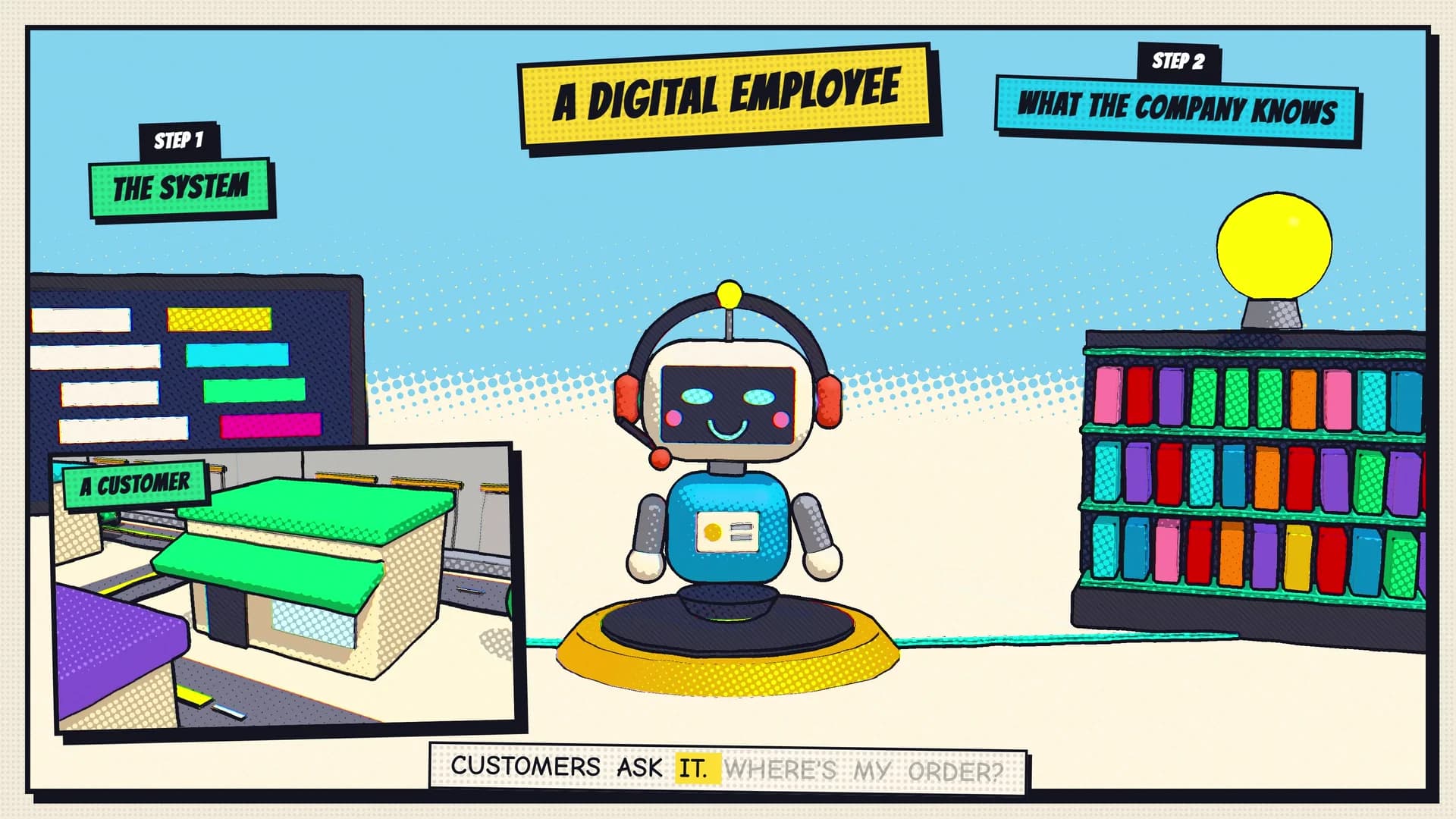
The Monkey Go transport case film shows a shared job system, company knowledge and an AI agent. It does not show n8n or this proposed briefing. The same business question still matters: can the team explain what information the system uses and what it returns?
Bring Monkey Go one workflow, its input record and the output someone needs to check. Those details make it possible to discuss a useful configuration without assuming that a more autonomous system is necessary.
How can I set up an AI agent in n8n to automate my daily tasks?
Begin with one defined task and invented input records. If the work only transforms supplied information, consider a fixed LLM chain. If the model needs to choose a permitted lookup, map the input explicitly and connect the compatible model and required tool.
Record where each tool value comes from. Define the expected final fields, check the actual returned data and keep missing information visible. Include the first-item check before processing several records. Add scheduling or real business connections only after the responsible people understand and review the configuration.
This workplace briefing is an adaptation of a personal daily-task question. It provides a review plan, not evidence that an agent has been built or that your daily work can run without supervision.