Choosing research tools
Best AI agents? Choosing Google research tools
Compare Google research tools by inputs, reports, code and queries. Use a practical review record to choose a route your Australian team can check and reuse.
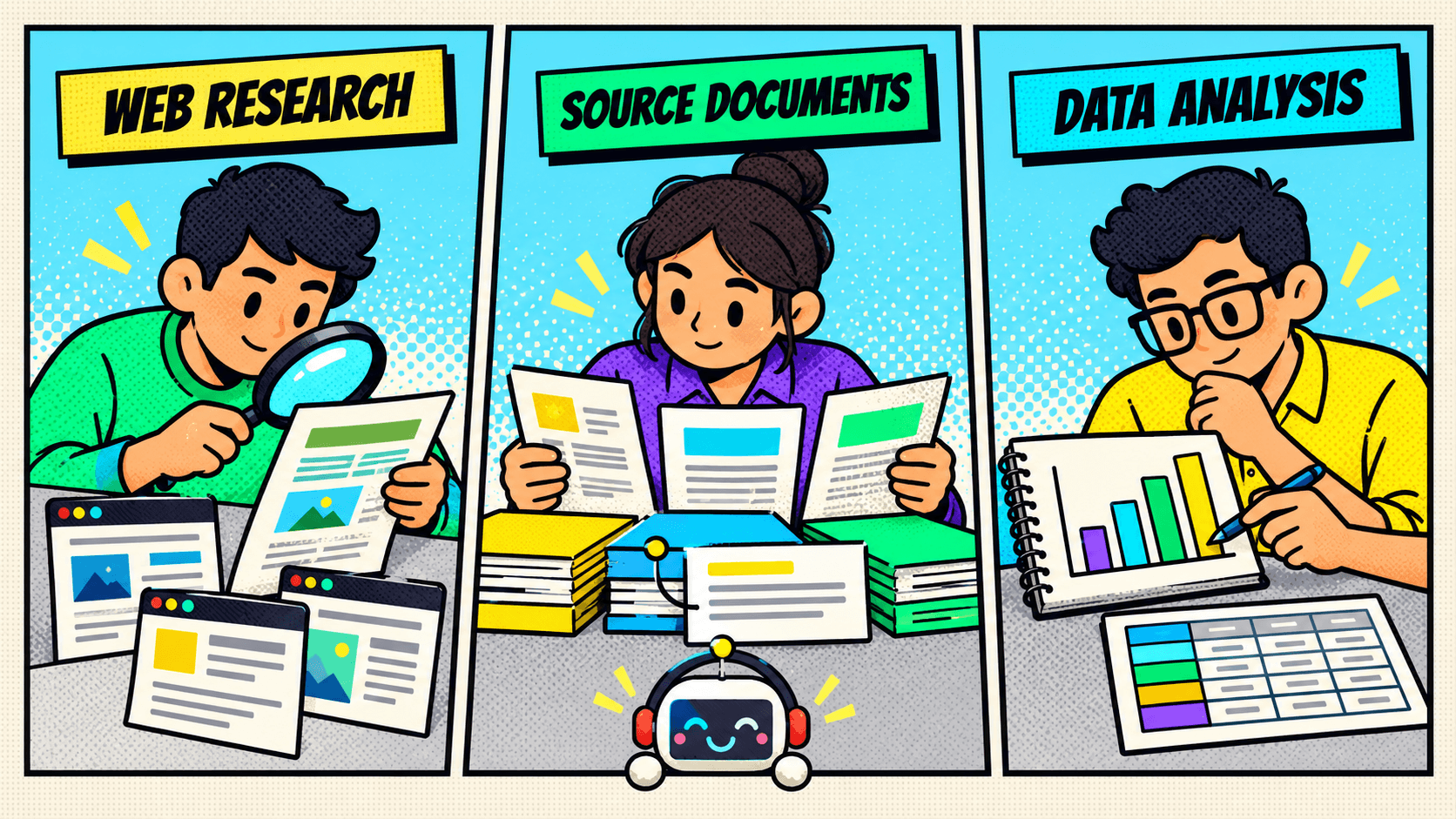
Searching for the best AI agents becomes easier when you name the work you need back. A sourced market brief, a comparison of supplied documents and a calculation from business data need different evidence. A polished answer alone does not show whether the work is complete.
This guide uses current documentation to compare four Google tools for research and data work. Each route serves a different task. We do not rank product performance or call every tool an autonomous agent. The examples show checks you can try. They do not report product tests or client results.
Define the output before choosing a tool
Start with a question that someone in your business can answer well enough to review. “Research our market” leaves too much open. Choose five suppliers. Ask for each supplier's stated service area and the source behind it. The reviewer then has a defined answer to check.
Complete this short record before opening a tool:
- Decision: What will someone do with the result?
- Inputs: Which websites, documents or dataset may the task use?
- Output: Do you need a report, source comparison, spreadsheet, chart, notebook or query result?
- Evidence: Which claims or calculations must the reviewer be able to trace?
- Reviewer: Who can check the sources, business definitions or code?
- Reuse: Is this a one-off answer, or must another person repeat it next month?
Also name what the task must leave alone. A report about overdue work does not require permission to change job records. An explanation of a trend does not necessarily require a new data pipeline.
If the first task itself is unclear, use our guide to starting with AI first. The product choice follows the task record. It should not decide the task for you.
A useful brief also separates the steps. An AI assistant might need to discover sources, read selected material and then calculate a result. Those are different jobs. State which step you want to test before comparing the final answers.
For a multi-step request, complete these extra fields:
- Start: The question and the approved input pack, with a version or date.
- Stop: The exact output that ends the task, such as a sourced comparison or a checked total.
- Unknowns: What the tool should leave unresolved when evidence is missing.
- Boundary: Which step needs a person to approve the next input or check the result.
For example, a request to compare delivery terms can stop at a table of stated promises. A request to explain late deliveries needs actual records and a clear measure of lateness. Keep those outputs separate in the brief. Otherwise, a good summary of supplier documents could appear to answer a question about real delivery performance.
Use the same brief for both options. Record any change made during the trial. If one option receives a clearer question or a better source pack, repeat the other option with that input before drawing a conclusion.
Choose the working environment
These routes overlap. More than one can produce a report or chart. The useful distinction is how you organise the inputs, inspect the work and continue from the result.
Gemini Apps Deep Research: a reviewed research report
Deep Research in Gemini Apps turns a research question into a plan you can review and a report. Google Search is the default source. You can select other supported sources, including uploaded files, notebooks or connected Workspace sources. Google documents copying reports or exporting them to Docs.
Google applies separate access rules to embedded visuals. Including Workspace services such as Gmail or Drive prevents their use. Check the Apps workflow and limits.
This is a route to consider when the deliverable is a researched brief. Before starting, check whether the plan covers the actual question. Afterward, open the sources behind the important conclusions. A report with many references can still miss the comparison your colleague needs.
Keep the product surface clear. Google's Deep Research Max announcement describes developer agents through the Interactions API. That does not establish the same tools or behaviour in the Gemini app. Specify which service a demonstration or proposal actually uses.
Gemini Notebook: chosen sources and inspectable artifacts
Google renamed NotebookLM to Gemini Notebook on 16 July 2026. Older guides still use the former name. The announcement retained a standalone product and described access to the upgrade for particular plans, with further rollout planned. Do not assume every account has received every feature.
Notebook supports work around a selected source collection. Its documented update also adds web-source discovery and a cloud computer that can write and execute code. Outputs include research artifacts and downloadable files.
Check source choices and code access as separate requirements. Review the documented research and code capabilities against the features available in your account.
Consider this route when the source collection is central to the job: approved documents, supplied reports or a set of materials that a reviewer needs to revisit. Keep a record of which sources the task included. Discovery of additional material should be a deliberate choice, not an assumption that the answer used only the original uploads.
Grounding and citations do not remove the need to check an answer. Google's Notebook starter guidance describes reducing error risk, not eliminating hallucinations. Open the cited passage and confirm that it supports the exact statement. Check whether a conclusion combines sources that refer to different dates, products or conditions.
Colab: an analysis you can inspect as code
Consumer Colab's current FAQ describes AI help with uploaded files or runtime data, code, analysis and charts. Its Data Science Agent presents a plan for review and can execute it when the user proceeds.
Review and test generated code. Colab limits runtime resources and lifetimes. The AI does not directly browse, although code it generates can make network requests. Age and supported-locale conditions also apply.
Consider a notebook when someone needs to inspect the calculation itself. That person should be able to explain the input columns, filters and result. A chart is useful, but the retained code can help a reviewer see how the tool produced it. Choose this route only if the team has someone able to check that work.
Colab Enterprise is a separate Cloud workflow. Its Data Science Agent guide documents CSV and BigQuery inputs, notebook code and charts, and options to accept, run or reject suggestions. It requires Cloud setup, permissions, a runtime and a supported region. Do not transfer consumer account or file-format claims to Enterprise merely because both carry the Colab name.
BigQuery conversational analytics: questions over authorised data
BigQuery conversational analytics uses selected knowledge sources, business context and query instructions. That makes it a route to assess when the team can access suitable data through BigQuery. This is an inference about fit, not a claim that every business needs a warehouse. The reviewed feature overview also sets a clear boundary: conversation agents cannot perform writes or DML, or execute remote functions.
The feature can run queries on the user's behalf and return answers, results, tables and charts. The conversation guide explains how to inspect the query and results and download answers as PDF or CSV, subject to limits. Your account needs the relevant agent, data and query permissions.
For a business reviewer, the important question is whether the query reflects the agreed metric. “Completed jobs” might exclude cancellations, or it might count reopened jobs differently. Resolve that definition before accepting a convincing chart. Broad claims about BigQuery's SQL, Python or Spark platform do not give this specific conversation agent unrestricted pipeline or record-changing powers.
Check the access your team actually has
The documentation reviewed for this guide was checked on 24 October 2026. Product access, feature access and processing region are different questions.
Australia appears in the Gemini web app availability list. That does not establish access to every Deep Research feature or plan. Gemini Notebook's browser availability guidance also includes Australia; it does not prove every Australian account has the newer code and artifact features.
The Colab Enterprise region matrix lists Sydney, but the captured table does not mark its Data Science Agent cell as supported. Other regions have explicit support markers. This does not mean an Australian user cannot choose a supported overseas region. It means the base notebook region alone does not answer the feature-access question.
The BigQuery overview lists particular agent-processing regions and Global, without an Australian entry. An Australian dataset or user address therefore does not establish Australian processing for this feature. Consumer Colab's reviewed FAQ also does not establish AU-specific availability for its AI functions.
Record the actual account, product edition, enabled feature and relevant region before a trial. Ask the account owner to confirm unclear access. Do not choose a tool on the assumption that a public launch announcement proves availability in your workspace.
Try one task in two plausible routes
Use a small exercise that exposes the choice you need to make. Avoid testing every feature in every product. The aim is to learn which environment gives your reviewer useful work.
For example, imagine a business comparing supplier delivery terms. This is a hypothetical exercise, not a customer result. It has a short source pack of supplier documents and a separate sample of delivery records. The required output is a comparison of stated terms, plus a checked calculation of actual delivery times.
The document comparison and the calculation may suit different routes. Do not force one tool to win both. Start with two plausible options for each required output, using only material the business has approved for the exercise.
Prepare the expected checks before reviewing the generated work:
- Source check: Can the reviewer trace each stated term to the correct document and passage?
- Scope check: Does the result distinguish a supplier promise from an observed delivery result?
- Calculation check: Do the dates, exclusions and units match the agreed definition?
- Missing-data check: Does the work identify a blank or unclear field instead of treating it as a confirmed value?
- Repeat check: Can another person understand the saved inputs and repeat the relevant work?
For the numerical part, create a small expected result yourself. Include a missing date or a cancelled record if those cases matter to the real task. Keep the expected answer outside the tool while you review its output. This checks the work without treating the AI's own explanation as independent proof.
Record reviewer effort as well as the first output. A fast report may still require extensive source checking. An inspectable notebook may take more setup but suit repeated calculations. Neither outcome is established until your team records it. Do not turn a proposed advantage into a promised saving.
When a result fails, note the failure precisely. Was the source absent, the definition unclear, the output unsupported or the calculation wrong? Changing the product is only one possible response. A clearer input or a narrower question may be the next useful step.
Check a source claim before accepting the comparison
Keep the source test small enough for a person to review in full. In the hypothetical supplier exercise, choose one claim that affects the decision. That might be a stated service area, an order cut-off or a delivery condition. Ask for the supporting passage as well as the answer.
Create one check card for that claim:
- Claim: The statement the output asks the business to accept.
- Evidence: The source name, version or date, and the passage that supports it.
- Condition: Any limit that changes the meaning of the statement.
- Conflict: A second source that disagrees, or confirmation that none appeared in the chosen pack.
- Decision: Accept, correct or leave unresolved, with the reviewer's reason.
A cited sentence can be accurate while the comparison remains misleading. One supplier may describe metropolitan deliveries. Another may describe all destinations. The reviewer should flag that difference before treating the promises as equivalent. This is a proposed check, not a claim that either product will detect the issue.
Then remove one needed source from a copy of the test pack. Check how the output handles the gap. A useful result should make the missing evidence clear to the reviewer. If the answer fills the gap with an unsupported statement, record that failure. Do not quietly repair the statement and then mark the whole result as accepted.
Check a small calculation against a known answer
Use invented records before introducing a larger dataset. The following six records form a synthetic test, not measured business results. The metric is average elapsed calendar days for completed deliveries with a known duration. Count only rows that meet that definition.
Record A: Completed, 2 days.
Record B: Completed, 4 days.
Record C: Completed, 6 days.
Record D: Completed, 8 days.
Record E: Cancelled, no duration.
Record F: Marked complete, but the arrival date is missing.
The four valid durations total 20 days: 2 + 4 + 6 + 8 = 20. The expected average is 20 divided by 4, or 5 days. Exclude E under the status rule. Keep F in an exception record because the evidence needed for its duration is missing.
Check both the result and the included rows. If a calculation treats F as zero and includes it, the result becomes 20 divided by 5, or 4 days. That is a different answer to the wrong calculation. A neat chart will not resolve the mistake.
Technical teams can inspect the query or AI code used for this test. A business reviewer can check the chosen records and the arithmetic. Each person should be able to show which check they completed. Neither review substitutes for the other.
For a second run, change only D from 8 to 12 days. The new total is 24 and the expected average is 6 days. Retain both input versions and outputs. This checks whether the work reflects the changed input. It does not prove reliability for every future dataset.
Record agent performance against the required result
Record agent performance as useful work that passed the agreed checks. Avoid a single score that hides a failed requirement. A quick answer with an unsupported source is still a failed source check. A correct total without its input scope may still need more review.
Use a short result record for each option:
- Required result: The output named in the original brief.
- Checks passed: The source, calculation and scope checks with retained evidence.
- Checks failed: The exact error, missing item or unsupported conclusion.
- Corrections: What a person changed before accepting the output.
- Review effort: The actual hands-on time needed to check and correct this attempt.
- Repeat result: Whether the second reviewer or changed-input test reached the expected answer.
- Next decision: Use, configure, try a different route or pause the task.
Measure review effort during the trial. Do not estimate a saving from the time taken to generate the first answer. Keep source preparation, waiting and active review separate so the team can see where the work remains.
Record the product and enabled features too. If the interface identifies the AI models used, retain that detail; otherwise mark it unknown. Changing the account, model, input or instructions can change the test conditions. This record describes one trial. It is not a benchmark, a vendor ranking or a promise about future results.
Agree in advance which failures stop the trial. A missing source for a central claim may block a decision. A preferred chart colour usually will not. Keep required checks separate from presentation preferences. This prevents an attractive output from outweighing an unresolved fact. If both options fail a required check, retain that result and change the brief or the review process before choosing either option.
Keep work your team can inspect and reuse
A useful handover includes enough evidence for someone else to challenge the conclusion. Saving a chat alone may not meet that need. Decide which materials belong with the accepted result.
Use this record for each shortlisted route:
- Input record: Source names or dataset reference, version or date, and included scope.
- Working record: Research plan, selected sources, notebook code or generated query, as relevant.
- Accepted output: The report, file, chart or result that the reviewer approved.
- Checks: What the reviewer checked, what failed and what remains uncertain.
- Repeat instructions: The person, account and steps needed to update the work.
Keep export behaviour separate from collaboration behaviour. For example, the current Gemini Notebook notes guidance documents export to Docs. Edits to that document do not sync back, and notebook sharing permissions do not carry across. Other downloadable artifacts are a separate feature. An exported file is not automatically a live copy of the original working environment.
For a recurring task, ask a second person to use the retained materials. Have them explain which source or calculation they would change next month. If they cannot identify it, improve the record before relying on the workflow. This is a proposed handover check, not a claim that any product guarantees portability.
Agree who will review the work before choosing the route. A subject expert may check a cited report but have no basis for approving generated code. A developer may inspect code while missing a business rule about cancelled jobs. Assign both checks where the task needs them.
Coding tools are useful only when the team can examine the work they produce. Ask the technical reviewer to explain the calculation in plain language. Ask the business reviewer to confirm the rule. If no one can complete a necessary check, reduce the task or arrange that review before relying on the output.
This also helps decide whether custom agents are justified. A missing review process does not, by itself, show a need to build AI agents. First identify the unmet requirement. It may be a source the team has not prepared, a definition nobody has agreed or a connection the task truly needs. The next step should address that specific gap.
Choose the best AI agent for the work you can check
Use the trial record to make one of three decisions. These are practical choices based on your requirements, rather than vendor rankings.
- Use an existing route: It provides the required output, the team can review it, and the remaining manual work is acceptable.
- Configure the route: The capability fits, but source selection, definitions, access or a repeatable working record needs attention.
- Consider custom work: A necessary input, action or connection remains unavailable in the tested scope. Record that specific gap before commissioning a build.
Do not make “more autonomous” the acceptance test. A tool that performs complex tasks still needs to return evidence your business can use. If an output must update another system, treat that action as a separate requirement. A generated report, code sample or query does not by itself settle who may change a business record.
When custom work is justified, our AI agent framework guide covers a different decision: what code, runtime and saved state your team can own and maintain. Keep that discussion separate from choosing a ready-made research environment.
To narrow the choice, bring Monkey Go one research or analysis task, its allowed inputs and the output you need to review. That gives the conversation a concrete starting point without assuming a new system is necessary.
Which Google AI agent tools are ideal for automating research tasks or data analysis?
Match the tool to the deliverable and the person checking it. Gemini Apps Deep Research is a route for a reviewed research plan and report. Gemini Notebook centres work on selected sources and cited artifacts, with documented code execution available within its feature and access scope. Colab suits a notebook-based analysis when someone can review the code. BigQuery conversational analytics is worth assessing for authorised data queries with agreed business definitions.
The best AI agents for a shortlist are those that meet the specific task and access requirements. They are not necessarily interchangeable or fully autonomous. Check the enabled product, source scope, output and execution boundary in the account your team will use. Then compare the reviewer effort and reusable evidence from a small, defined exercise. Choose on that record, rather than a broad claim that one tool is best at everything.